
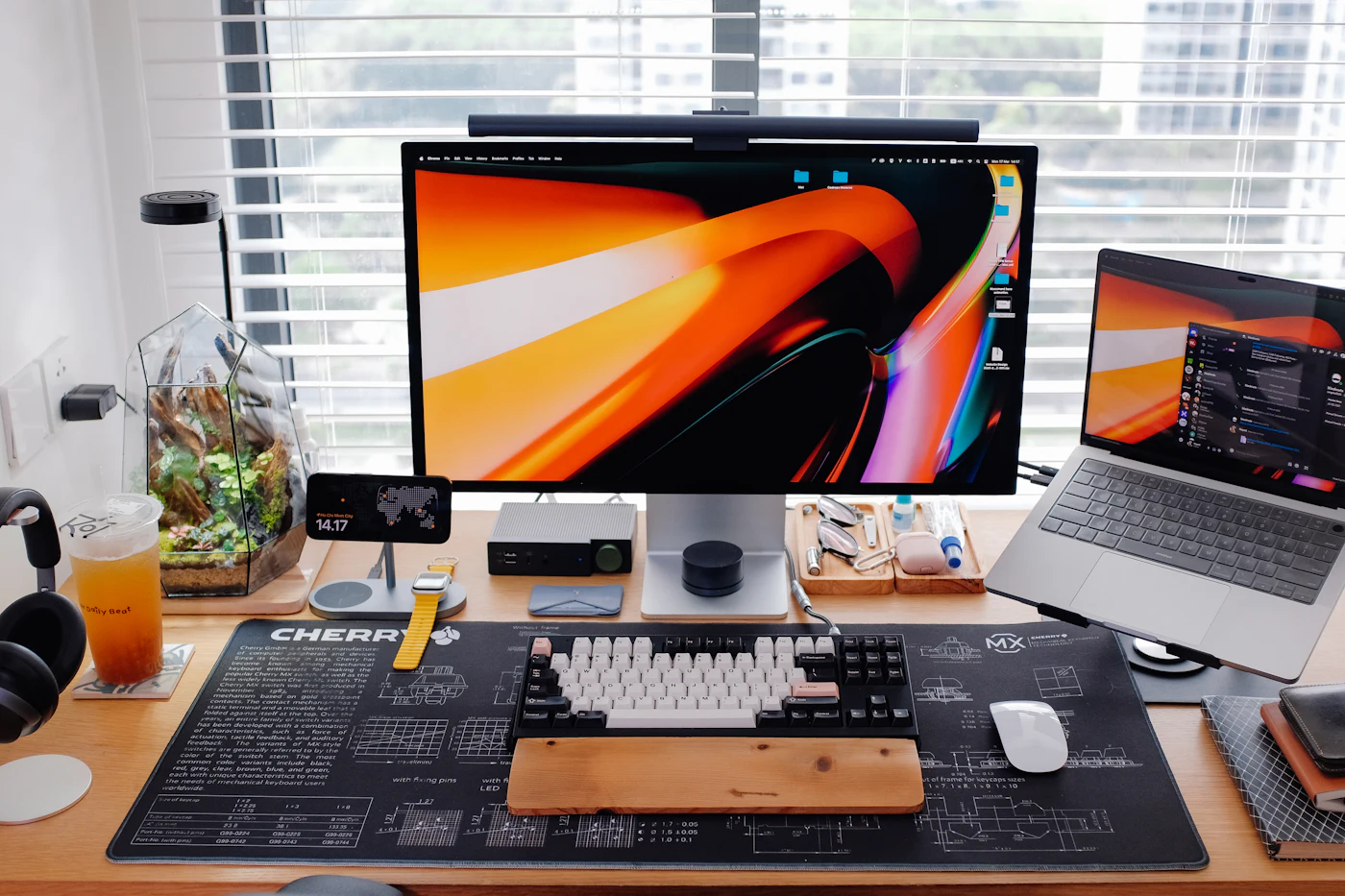
Think about how a typical day of viewing actually unfolds. Perhaps a video plays on a large monitor while you finish breakfast, then continues on your phone during a commute, and later the same evening you put on a VR headset to relax. It is one person with one account, yet three very different pieces of hardware are asking for the same stream.
Keeping picture quality steady across that routine is less about the resolution number printed on a menu and more about how the delivery system reads each device. In this explainer we walk through what changes from screen to screen, why many free, ad-funded pages struggle to keep up, and how a membership planned around multi-device playback approaches the problem. The goal is simply to give you enough background to judge what suits your own setup.
Why One Stream Cannot Fit Every Screen
Every device brings its own set of limits. Some run from a wall socket, others from a small battery. Some have fans and generous cooling, others have to shed heat through a thin glass back. Network conditions range from a wired home connection to a mobile signal that rises and falls as you move. Each of these factors shapes how a video should be encoded and sent.
A well-designed platform therefore does not push one fixed file to everyone. It prepares several versions of each title and chooses between them on the fly, weighing screen size, decoding hardware and connection quality. Done well, this happens quietly in the background and the viewer simply notices that playback looks right.
Quick takeaway: the same title may be delivered in several different ways during one evening, depending on which screen you pick up.
At the Desk: Room to Breathe
Desktop computers and monitors, along with televisions connected to them, are the most forgiving environment for video. They draw steady mains power and have space for cooling, so there is little risk of the hardware slowing itself down to manage temperature. That headroom allows a platform to send a higher-bitrate stream, meaning more data per second and more preserved detail.
With the basics covered, attention shifts to finer points. Accurate color becomes noticeable on a good monitor, and so does the way a stream handles shadows. Dark scenes are where compression tends to show itself first, through banding or blotchy patches, so a generous bitrate matters most there. A dedicated graphics card can process large pixel counts comfortably; the real question is whether the stream gives it enough information to work with.

In Your Pocket: Doing More With Less
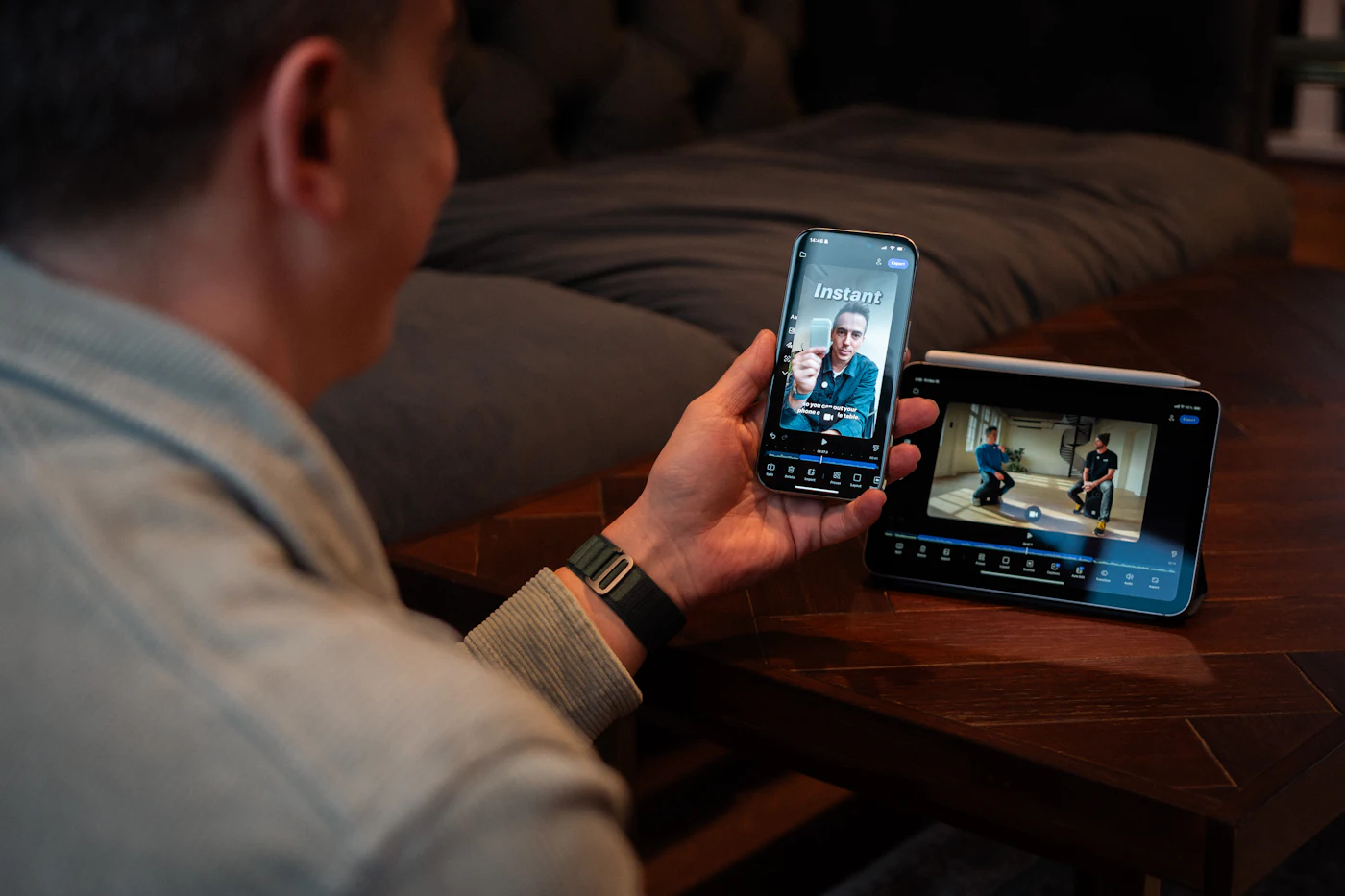
Phones operate under tighter constraints. The battery is small, the cooling is passive and the network can switch from Wi-Fi to mobile data mid-scene. Sending a phone the same heavy file prepared for a desktop would drain charge faster, warm the handset and increase the chance of stutters or skipped frames.
This is where hardware-accelerated decoding earns its place. Modern phones include dedicated circuitry for unpacking high-definition video, which is far more efficient than doing the work on the main processor. Pairing that with a stream sized for a smaller screen keeps images crisp while using less energy, so a longer viewing session remains comfortable.
Home Wi-Fi Versus Mobile Data
Your connection matters just as much as the handset. On home Wi-Fi, a phone can usually hold a higher-quality stream for long stretches. On mobile data, bandwidth may shift every few seconds and data allowances come into play. Adaptive streaming handles this by stepping quality up or down in small increments instead of pausing to buffer. If you watch on the move regularly, it is worth checking whether your app lets you set a data-saving preference for cellular connections.
Handy habit: downloading or pre-loading on Wi-Fi, where available, can make viewing on mobile data smoother and lighter on your allowance.
On Your Face: Why Headsets Are the Hardest Test
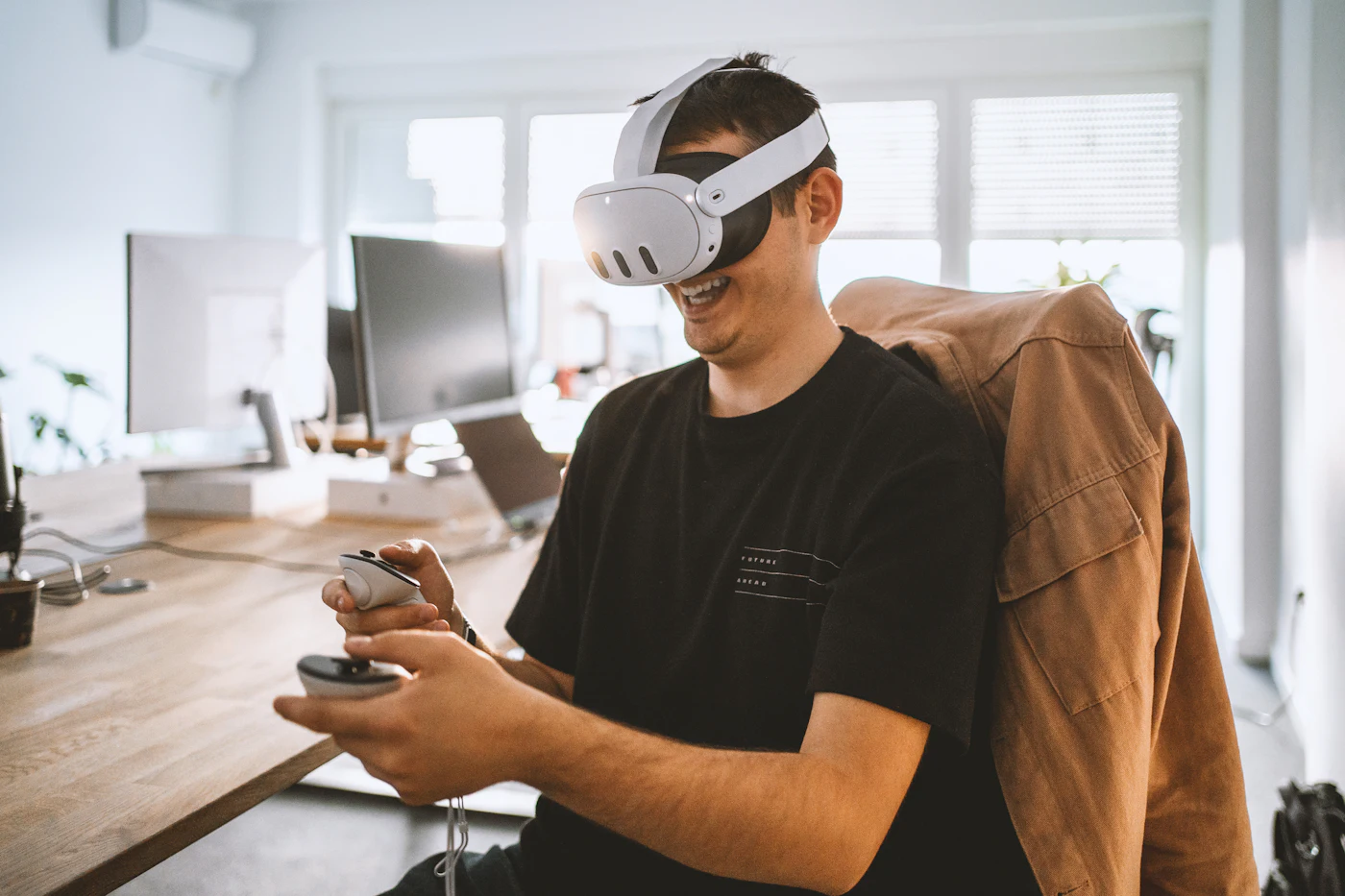
VR headsets sit only a few centimetres from your eyes and magnify the display through lenses. Anything imperfect in the source becomes obvious. Low-resolution footage or aggressive compression can reveal a fine mesh between pixels, often called the screen-door effect, and any delay between turning your head and the image responding can feel uncomfortable.
Delivery for headsets therefore leans on specialised techniques. Stereoscopic pipelines prepare a slightly different image for each eye to create depth. Projection mapping wraps footage correctly around the viewer so that people and objects keep natural proportions. Keeping latency low ties it all together, so movement feels immediate rather than sluggish.
Picking Up Where You Left Off
Switching screens is only pleasant if the service remembers where you were. Cross-device syncing stores your position in a title, along with basic preferences, against your account rather than a single device. Open the app on another screen and playback resumes at the same moment, now delivered in the format that suits the new hardware. It is a small convenience, but it is what makes a three-screen routine feel like one continuous experience instead of three separate ones.
Worth knowing: sync works best when you sign in to the same account on every device you plan to use.
Free, Ad-Funded Pages Versus a Purpose-Built Network
Many general video pages run on shared infrastructure paid for by advertising. That model is designed to serve very large audiences, not necessarily to keep quality even from one title to the next. In practice, viewers often see inconsistent detail in darker scenes, varied production standards, and busy layouts filled with previews, redirects and pop-up adverts.
Someone watching on a capable monitor or a VR headset may find that this kind of delivery does not make full use of their equipment. A network built specifically around consistent encoding takes a different approach: the aim is to apply a single quality standard across its library and to prepare versions for each type of device from the start.
The contrast is mainly structural. When the interface is uncluttered and the encoding is predictable, less time goes into hunting for a watchable version and more goes into simply watching. For people who move between several screens, that consistency is the main reason to consider a membership over free alternatives.